
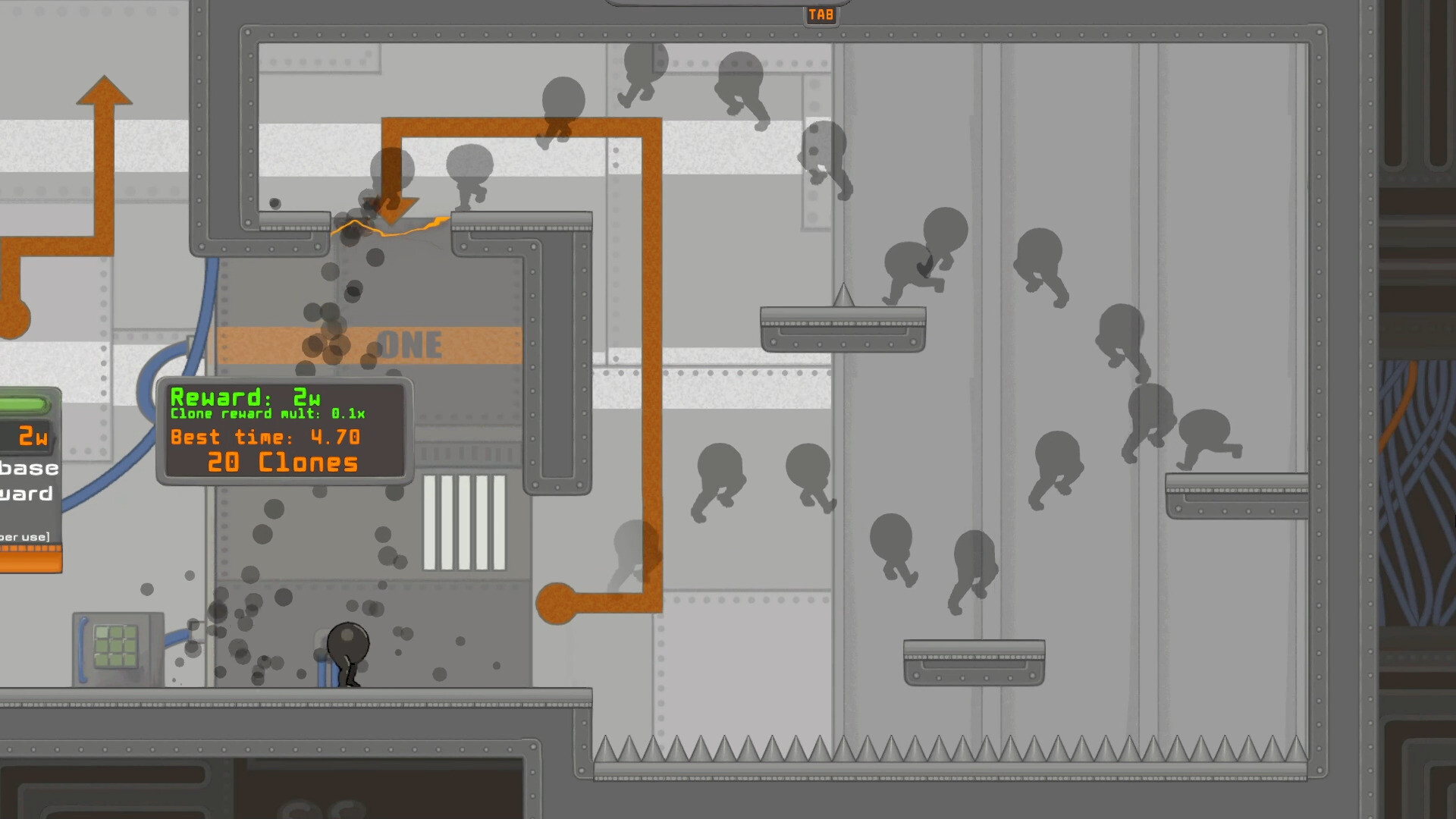
The only official download is on Steam
The full, downloadable version of IGTAP: an Incremental Game That's Also a Platformer is sold exclusively through Steam as app 4364730. To get it, install the Steam client, create or sign in to an account, open the IGTAP store page, purchase the game and click Install in your library. Steam handles the download, updates and Steam Cloud saves automatically.
The game is published by Gamersky Games and developed by Pepper Tango Games. At launch it was priced at $9.99 USD with a 10% introductory discount. There is no separate standalone installer sold by the developer, and no official website exists for the game, so any site claiming to host a direct "IGTAP download" outside Steam should be treated with suspicion.

Check the system requirements first
IGTAP is a lightweight 2D game, so almost any modern machine can run it. The Windows minimums are Windows 10, a 2GHz processor, 2 GB of RAM and 800 MB of storage, with 4 GB of RAM recommended. SteamOS and Linux are also supported with similar minimum requirements: a 2GHz processor, 2 GB of RAM and 800 MB of storage.
There is no macOS version listed on the store page, and Steam Deck compatibility is shown as Unknown. If you plan to play on a Deck or another Linux handheld, the SteamOS listing means the game should install, but a verified compatibility rating has not been published.
Try it free in a browser before downloading
If you want to test the game before buying, the developer publishes free browser builds that need no download at all. The main one is hosted at galaxy.click/play/694, and a second web build called "igtap but patched" lives on the developer's itch.io page.
Keep in mind that these web builds are not the full Steam game and their content can differ. The galaxy.click page carries a note from the developer that save and load only works on the Steam version, so treat browser play as a trial rather than a place to build long-term progress. Our browser guide explains the limitations in detail.
Avoiding unsafe downloads and fake copies
Because IGTAP is a popular incremental with an active video community, unofficial "download" pages and repacks may appear in search results. The safe rules are simple: buy through the Steam store page, play the free builds only on galaxy.click or the developer's own itch.io page, and never download executables from video descriptions, file lockers or unverified mirrors.
Steam purchases also come with Valve's standard refund policy and Steam Cloud support, and the game's declared Save Anytime accessibility feature means progress is written as you play. If you ever need help with an install, the Steam Community Hub has a developer-run bug report thread where issues can be raised directly.
After installing: first launch tips
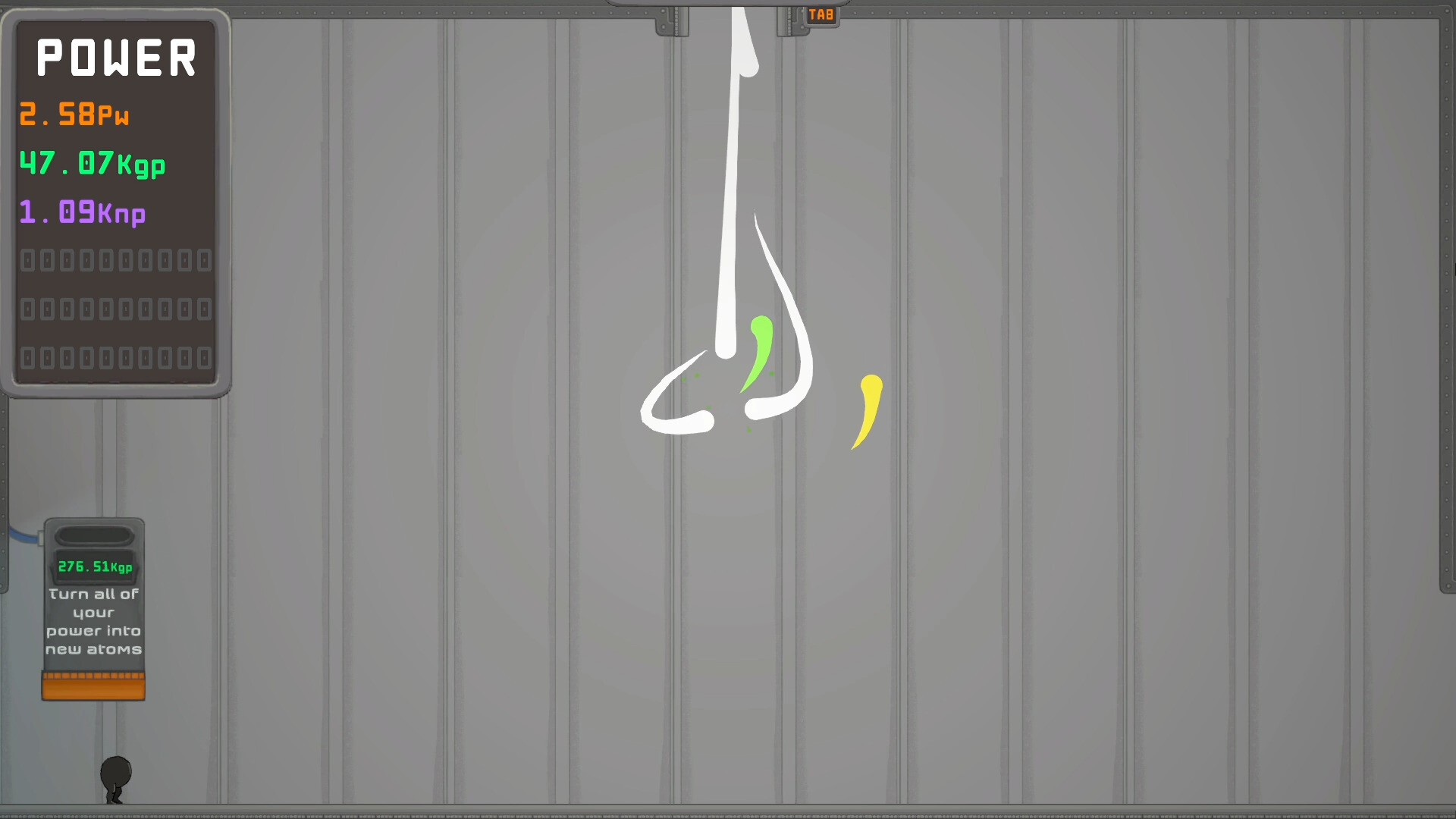
Once the game is installed, launch it from your Steam library. The full version includes all 29 Steam achievements and the complete progression that the web builds only hint at, including the power, gp and np resources shown on the in-game POWER panel.
If your progress or abilities ever seem wrong after an update, check our troubleshooting pages for dash problems and save issues before restarting a run, since some community-reported problems have simple explanations tied to unlocks or browser builds.