Two official web builds
IGTAP can be played entirely in a browser, legally and free, through two builds published by the developer. The primary one is hosted at galaxy.click/play/694, an incremental-game portal where IGTAP was posted on February 20, 2026 and last updated June 7, 2026. The second is "igtap but patched" on the developer's itch.io page, which also runs as an embedded web build.
On galaxy.click the game shows tags for unity, active, hours, 2d and single-player, meaning it is a fast-paced 2D game that can be finished in under a day of active play. The page reports more than 3,600 plays and around 4,300 cumulative play-hours, with a 4.4 rating out of 5 from 162 ratings.
What you can play in the browser
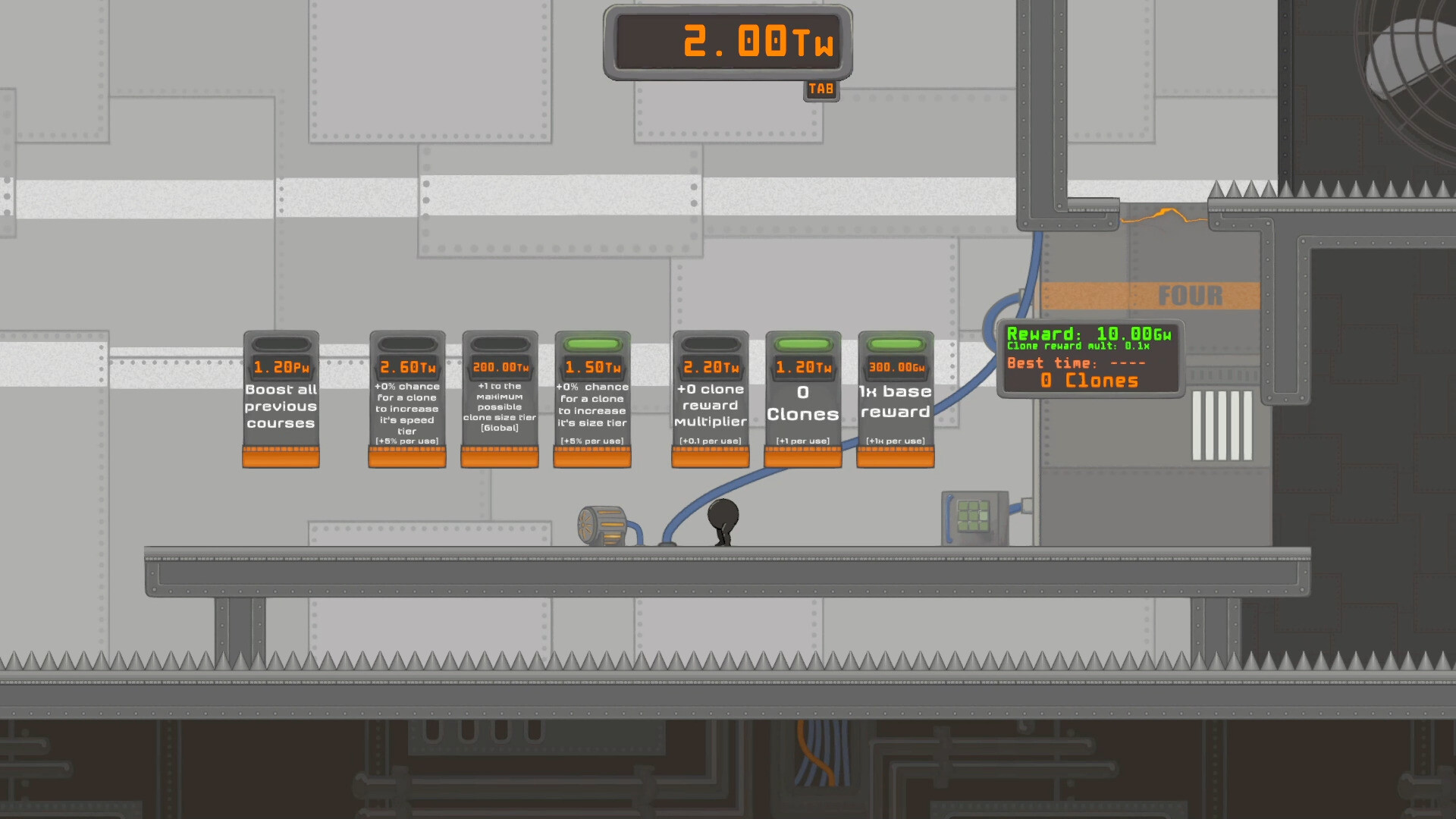
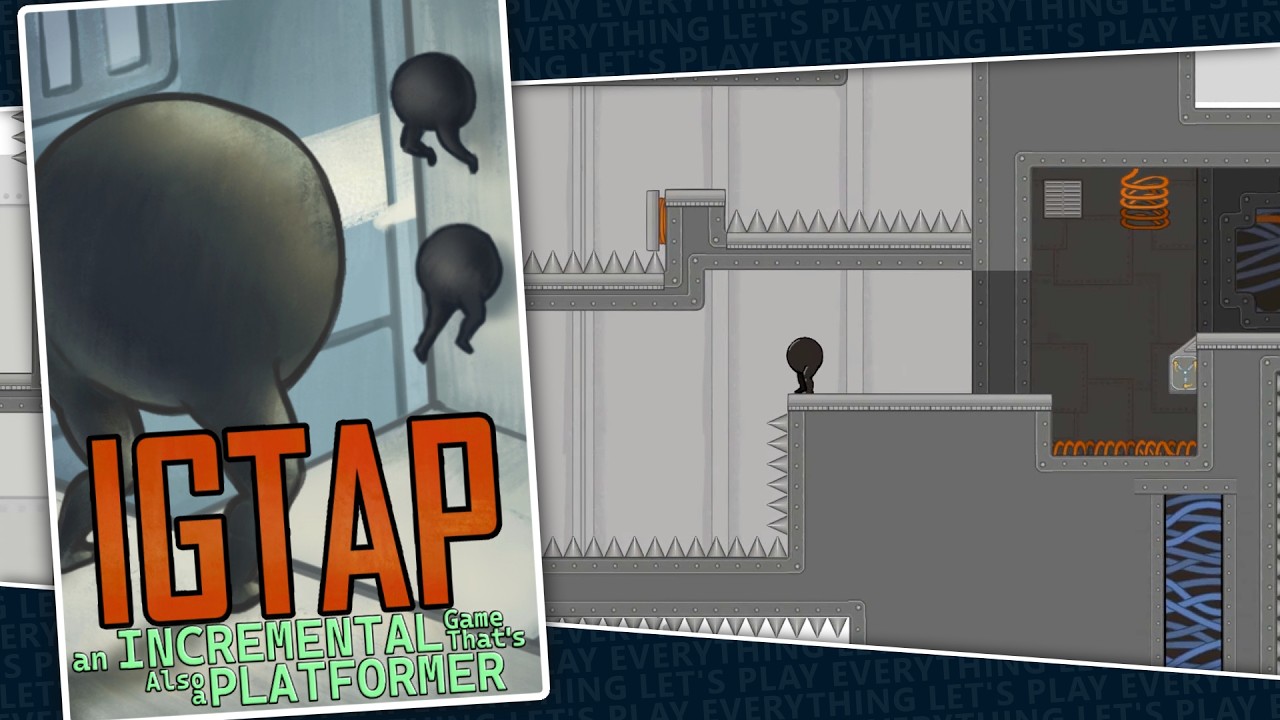
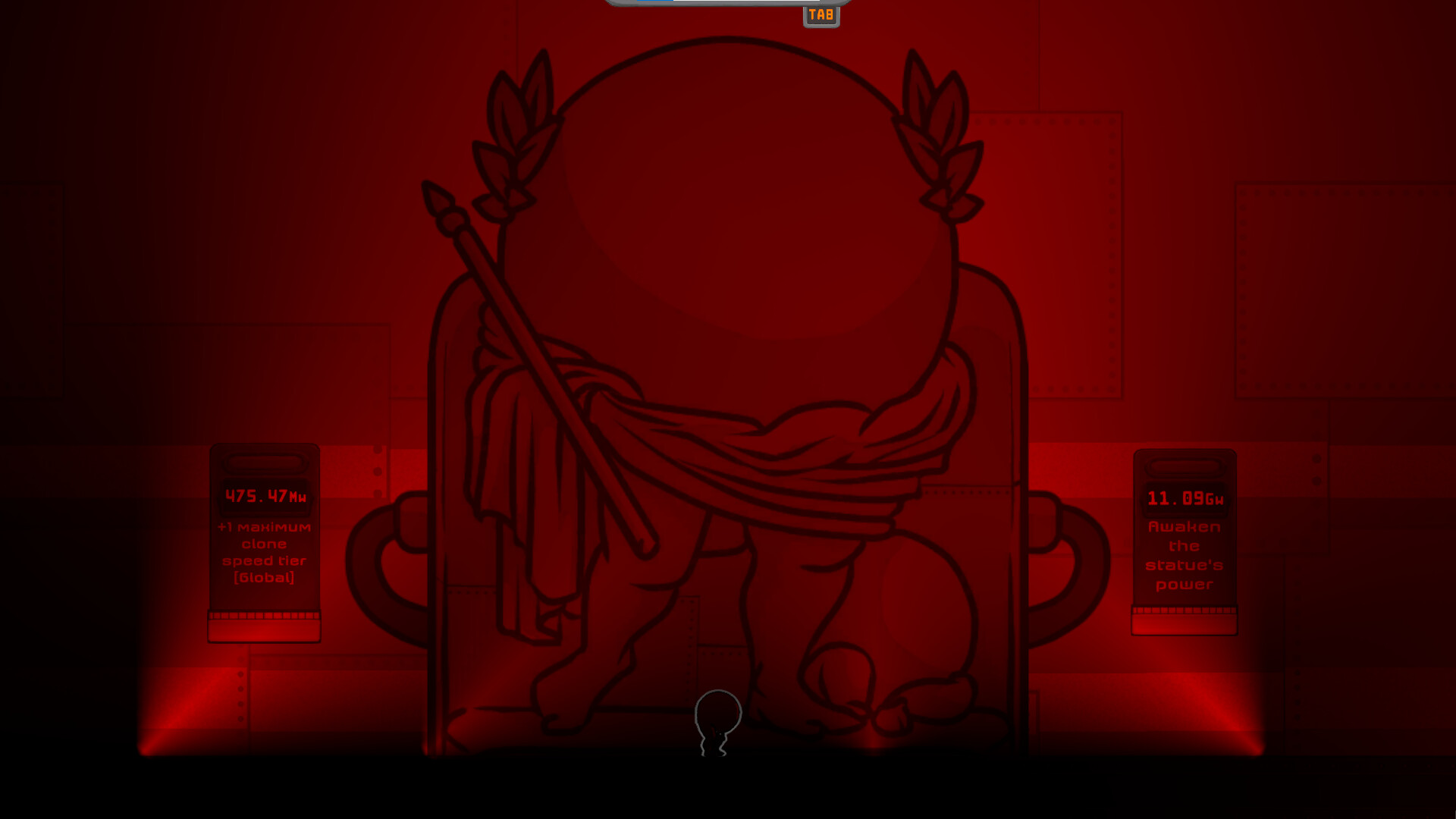
The web builds contain the demo-scale version of the full loop: numbered courses, clone route recording, watt-based upgrade kiosks, and the wall jump, dash and double jump ability unlocks. Secret bonus upgrades are hidden in the map, and the red statue room with its "Awaken the statue's power" and maximum clone speed tier kiosks is reachable in the demo.
The June 7, 2026 galaxy.click update notes list course 5 integrated into main progression, a platforming physics rework and an additional prestige layer, so the browser build kept evolving for months after it first appeared. Content can still differ from the paid Steam release; the web builds should not be described as the full game.
Saving and account limitations
The biggest caveat is progress. The developer's note on the galaxy.click description reads: "save/load only works on the steam version! please download it for the best experience." galaxy.click itself offers cloud save and tweak options for logged-in users, but the developer still steers players toward Steam for reliable persistence.
In practice that means browser progress is fragile. Clearing site data, playing in private browsing mode, or switching browsers can wipe a run. Players who invested hours in the demo and wanted to keep going generally moved to the Steam version at release. Our not saving troubleshooting page covers the checks worth running if browser progress disappears.
Controls, quirks and mobile play
The web builds are keyboard-driven. Community reports from the galaxy.click comments describe the dash being mapped to Shift in the browser version, which can trigger the Windows Sticky Keys prompt during intense platforming; disabling Sticky Keys in Windows settings is the commonly suggested fix. One player even reported that a windowed-display setting persisted after a data reset, so settings behaviour in the web build can be sticky in both senses.
Mobile browsers can load the game, and one itch.io commenter said they hacked together touch controls to make it playable, but there is no official mobile version and controller support on phones was reported as not working. For anything beyond a quick taste, a desktop browser with a keyboard is the realistic minimum.
When to move from browser to Steam
The browser builds are ideal for trying the concept: if watching your recorded route get replayed by an army of clones scratches the optimisation itch, the Steam version is where the complete game lives, with saving, 29 achievements, the full endgame and post-release balance hotfixes. Community videos, including long playthroughs from channels covering incremental games, were largely responsible for pushing the demo toward that Steam release.
![Thumbnail of the Let's Play Everything video "An Incremental Game That is Also a Platformer [IGTAP]"](/assets/img/thumbs/Hs8eJpDqX_A.jpg)
If you decide to make the jump, our download guide walks through getting the game safely on Windows or Linux, and the demo page details exactly how far the browser content goes.